

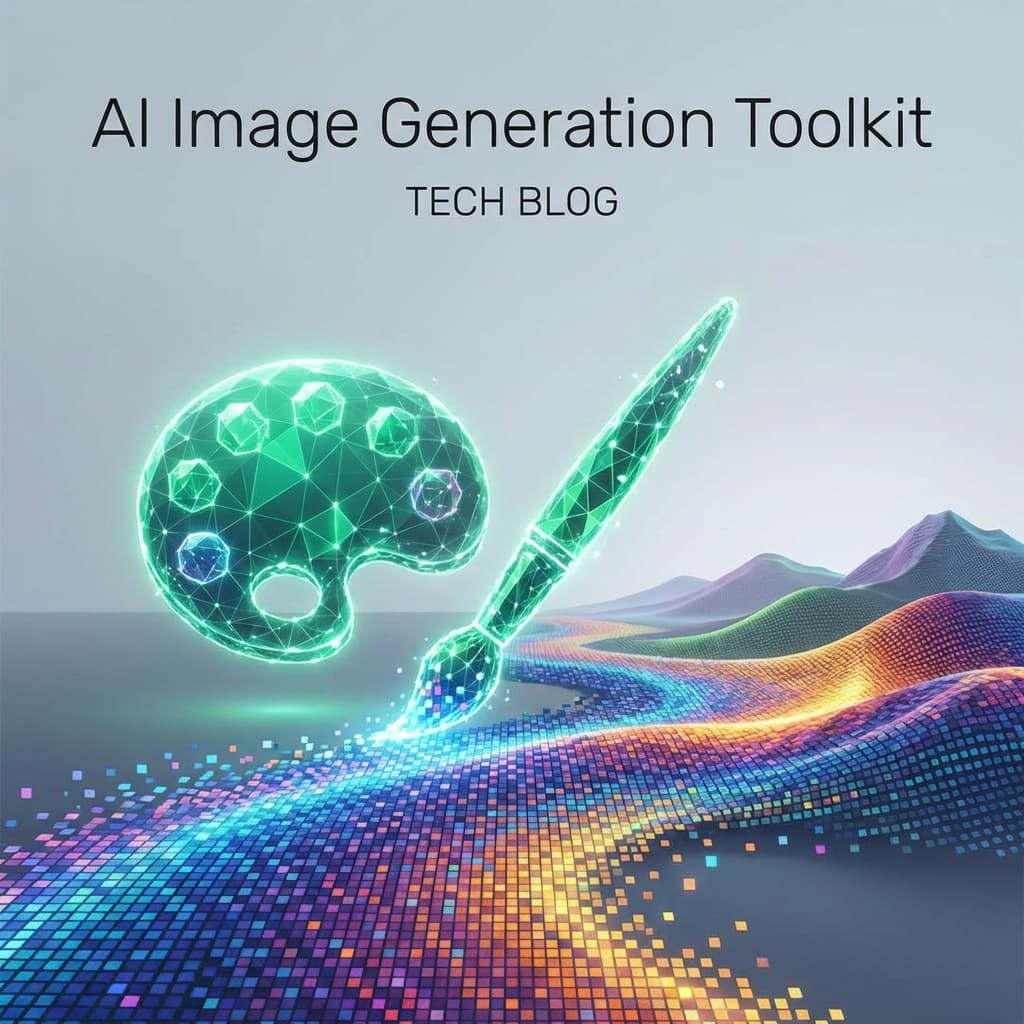
Define the creative sandbox
Consistency is the enemy of generative AI. Without strict controls, Midjourney will give you a photorealistic photo one minute and a cartoon the next. Before touching a model, I collect brand palettes, typography specs, and composition rules.
These become our 'Negative' and 'Positive' prompts. We effectively program the AI to stay within our brand guidelines by explicitly forbidding styles that clash with our aesthetic. It's like setting up a style guide, but for a neural network.
Tools I rely on: Specificity vs Creativity
Midjourney is my choice for conceptual mood boards because it excels at lighting, texture, and abstract creativity. It's the 'Concept Artist'. When I need pixel-perfect UI fidelity, I move to tools like Uizard or Figma’s new AI features.
For production assets where I need exact control over composition, I leverage Stable Diffusion with ControlNet. This allows me to sketch a rough wireframe or pose and force the AI to render over that exact skeleton, ensuring the layout matches our grid system.
- Midjourney: art direction and cinematic hero shots
- Ideogram / DALL·E 3: UI scaffolding with high text legibility
- Stable Diffusion + ControlNet: on-brand variants at scale with layout control
Post-processing is mandatory
AI art is never 'Done' out of the box. Every render goes through a 'human polish' pass in Photoshop. We fix the weird hands, correct lighting artifacts, and ensure aspect ratios are web-ready.
I also keep a legal checklist to verify licensing and watermark removal before assets move downstream. We fundamentally treat AI images as 'stock photography bases'—raw material that needs to be refined, not finished products.
Related reading
Apr 5, 2026
AI-Powered Workflow Automation in 2026: The Trends Reshaping How Businesses Operate
From intelligent document processing to autonomous decision engines, AI-driven workflow automation is eliminating manual tasks at an unprecedented pace. Here is what every business leader and developer needs to know about the trends defining 2026.
Apr 2, 2026
No-Code AI Platforms in 2026: How Non-Developers Are Building Intelligent Applications
The barrier between idea and AI-powered application has never been lower. No-code AI platforms are enabling business analysts, marketers, and entrepreneurs to build sophisticated intelligent applications without writing a single line of code.

Mar 30, 2026
AI in Cybersecurity: How Automated Threat Detection and Response Is Transforming Digital Defense in 2026
Cyberattacks are faster, smarter, and more frequent than ever. AI-powered cybersecurity systems are the only defense capable of matching the speed and sophistication of modern threats. Here is how AI is reshaping digital security.