
OpenClaw: The Complete Guide to Installing and Using Your Personal AI Agent
OpenClaw is the open-source AI assistant that actually does things — managing your inbox, calendar, and files from WhatsApp, Telegram, or any chat app. Here is everything you need to get started.

Codmaker
Independent product lab
What Is OpenClaw and Why Should You Care?
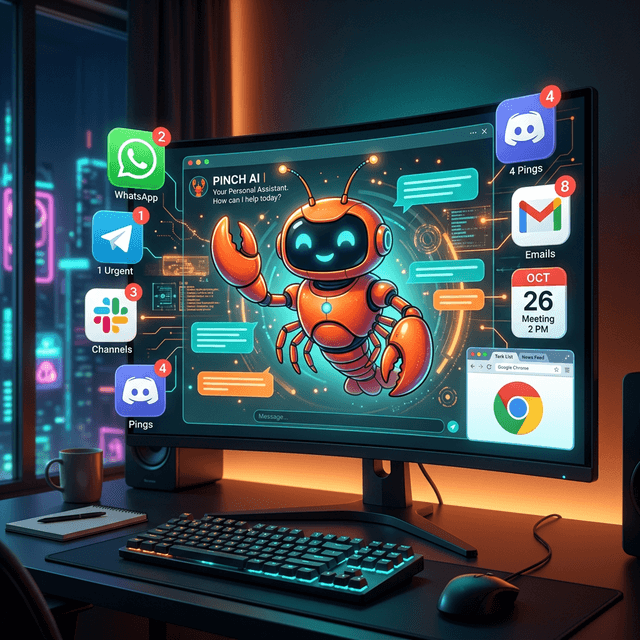
OpenClaw is an open-source personal AI assistant that goes beyond simple chatbot interactions. While most AI tools require you to visit a website or open a specific app, OpenClaw integrates directly into the messaging platforms you already use—WhatsApp, Telegram, Discord, Slack, Signal, and even iMessage. It runs on your own machine, keeping your data private by default, and can perform real actions: clearing your inbox, sending emails, managing your calendar, browsing the web, reading and writing files, and executing shell commands.
What makes OpenClaw fundamentally different from other AI assistants is its agent architecture. Traditional AI chatbots take a question and return a text response. OpenClaw takes a goal and autonomously plans, executes, and iterates until the goal is achieved. Ask it to 'schedule a meeting with John next Tuesday at 2 PM and send him an email confirmation' and it will check your calendar for conflicts, create the event, compose and send the email—all without you touching a keyboard.
The project is built by Peter Steinberger and an active open-source community, with the mascot being Molty—a friendly space lobster AI. It supports multiple AI backends including Anthropic's Claude, OpenAI's GPT models, and even local models for maximum privacy. The codebase is available on GitHub, and the project has been featured in MacStories, where Federico Viticci called it a glimpse of 'what the future of personal AI assistants looks like.'
OpenClaw operates through a Gateway architecture that runs as a daemon on your machine, exposing a local API that messaging integrations connect to. This means you maintain full control over your data and can decide exactly what the agent has access to—from full system access for power users to a sandboxed environment for those who prefer more caution. The flexibility extends to skills and plugins: OpenClaw can be extended with community-built skills from ClawHub, or you can build your own custom skills tailored to your specific workflow.
Installation: Getting OpenClaw Running in Minutes
Getting OpenClaw up and running is remarkably straightforward, thanks to a one-liner installation script that handles all dependencies for you. The only prerequisite is Node.js 22.16 or higher (Node 24 is recommended). If you do not have Node.js installed, the installation script can handle that for you as well. OpenClaw supports macOS, Windows, and Linux, so you can run it on virtually any development machine.
On macOS or Linux, open your terminal and run: curl -fsSL https://openclaw.ai/install.sh | bash. On Windows, open PowerShell and run: iwr -useb https://openclaw.ai/install.ps1 | iex. These scripts download and install OpenClaw along with all required dependencies. The installation is clean and self-contained, so it will not interfere with your existing development environment.
After installation, run the onboarding wizard with: openclaw onboard --install-daemon. This interactive wizard walks you through the initial configuration, including setting up your preferred AI provider (Anthropic, OpenAI, or a local model), configuring authentication, and optionally connecting your first messaging channel. The --install-daemon flag ensures that the Gateway starts automatically on boot, so OpenClaw is always ready when you need it.
Once the onboarding is complete, you can verify everything is working by running: openclaw gateway status. This confirms the Gateway is running and shows the connection details. To access the web-based Control UI and dashboard, run: openclaw dashboard, which opens the interface at http://127.0.0.1:18789/. From the dashboard, you can manage channels, review conversations, configure skills, and monitor the agent's activity—all through an intuitive, modern web interface.
- Prerequisites: Node.js 22.16+ (Node 24 recommended) — installer handles it if missing
- macOS/Linux: curl -fsSL https://openclaw.ai/install.sh | bash
- Windows: iwr -useb https://openclaw.ai/install.ps1 | iex
- Onboard: openclaw onboard --install-daemon (sets up AI provider, auth, and auto-start)
- Check status: openclaw gateway status
- Open dashboard: openclaw dashboard → http://127.0.0.1:18789/
Connecting Your Chat Apps and Getting Started
The magic of OpenClaw is that it meets you where you already are. Instead of switching to a new app every time you need AI assistance, you can message OpenClaw directly on WhatsApp, Telegram, Discord, Slack, Signal, or iMessage. Setting up a channel is done through the Control UI or the CLI. For WhatsApp, for example, you scan a QR code to link your account—just like setting up WhatsApp Web. For Telegram, you create a bot through BotFather and provide the token. Each platform has a straightforward setup process documented in the official docs.
Once a channel is connected, you interact with OpenClaw through natural conversation. Send it a message like 'Check my email and summarize anything urgent' and it will access your email, scan for important messages, and send you back a concise summary. Ask 'What is on my calendar tomorrow?' and it will pull your schedule. Say 'Research the latest React Native updates and save a summary to my Desktop' and it will browse the web, compile the information, and write a file to your filesystem.
OpenClaw supports both direct messages and group chats. In a group chat, you can add OpenClaw as a participant and it will respond when mentioned or addressed. This is particularly powerful for team workflows—a development team can have OpenClaw in their Slack channel, ready to answer questions about the codebase, run commands, check documentation, or perform any task that would otherwise require context-switching away from the conversation.
The pairing system adds a layer of safety for direct messages. When OpenClaw receives a message from a new contact, it requires explicit approval before responding. This prevents unauthorized users from interacting with your personal AI agent. You can configure approval policies—automatic approval for known contacts, manual approval for unknown ones—giving you full control over who can command your agent.
Core Capabilities: What OpenClaw Can Actually Do
OpenClaw's capabilities are organized into several core areas. Persistent Memory means the agent remembers you across conversations—your preferences, your projects, your communication style, and your past interactions. Over time, OpenClaw becomes uniquely tailored to you, understanding your context without requiring you to re-explain things. This is fundamentally different from stateless chatbots that treat every conversation as the first.
Browser Control allows OpenClaw to browse the web, fill forms, extract data from websites, and interact with web applications on your behalf. Need to check flight status, look up a restaurant menu, or gather pricing data from multiple vendors? OpenClaw can do it. The browser automation is powered by headless browser technology, allowing the agent to interact with modern, JavaScript-heavy websites just like a human would.
Full System Access gives OpenClaw the ability to read and write files, run shell commands, and execute scripts on your machine. This is extraordinarily powerful for developers: you can ask OpenClaw to run your test suite, check git status, deploy to staging, or search your codebase for specific patterns—all from a WhatsApp message while you are away from your desk. For security-conscious users, system access can be sandboxed to restrict which directories and commands the agent can access.
Skills and Plugins extend OpenClaw's capabilities beyond its built-in features. The ClawHub marketplace offers community-created skills for everything from home automation to financial tracking. You can also build your own custom skills using a simple JavaScript/TypeScript API. Perhaps most impressively, OpenClaw can even write its own skills—if it encounters a task it does not have a built-in capability for, it can create a new skill to handle it, effectively learning new abilities on the fly.
- Persistent Memory: learns your preferences, projects, and context across conversations
- Browser Control: browses, fills forms, extracts data from any website
- Full System Access: reads/writes files, runs shell commands, executes scripts (or sandboxed)
- Skills & Plugins: extend via ClawHub marketplace or build custom skills in JS/TS
- 50+ integrations: email, calendar, file systems, APIs, and more
- Self-improving: OpenClaw can write its own skills for new tasks it encounters
Related reading
May 17, 2026
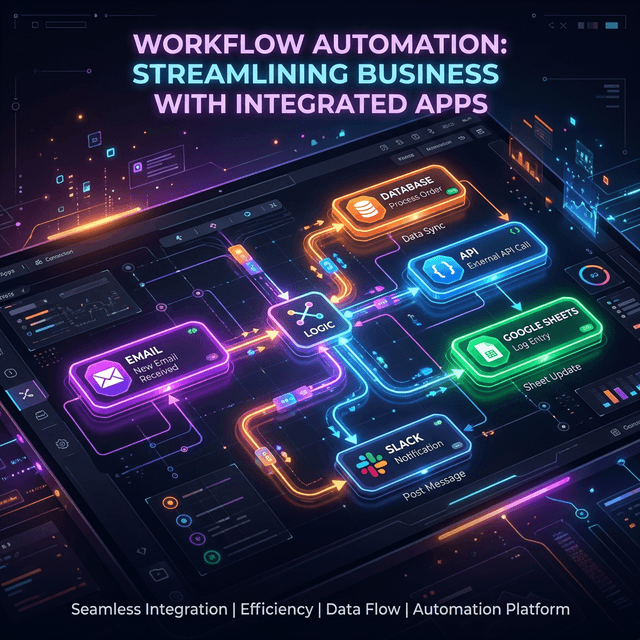
n8n Workflow Automation: Build, Scale, Self-Host in 2026
n8n workflow automation done right — visual building, code when you need it, AI agents, and self-hosting cost math. The 2026 engineer's playbook.
Mar 12, 2026
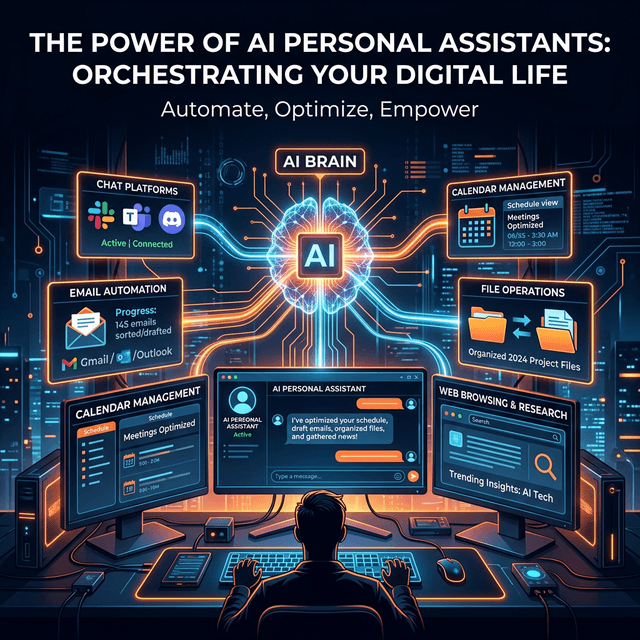
The Advantages of OpenClaw: Why This Open-Source AI Agent Is Changing How We Work
Privacy-first, open-source, and integrated into every chat app you use — OpenClaw offers unique advantages over cloud-based AI assistants. Here is why developers and professionals are making the switch.

Mar 11, 2026
How to Use Claude AI Effectively: A Practical Guide for Developers and Professionals
Claude by Anthropic is one of the most capable AI assistants available. This hands-on guide shows you exactly how to leverage Claude for coding, analysis, writing, and complex problem-solving.