App Store vs Google Play: Key Differences for Developers
App Store vs Google Play compared for developers: account fees, review, testing, store listing rules, commission and which store to launch on first.
App Store vs Google Play: What Is the Difference?
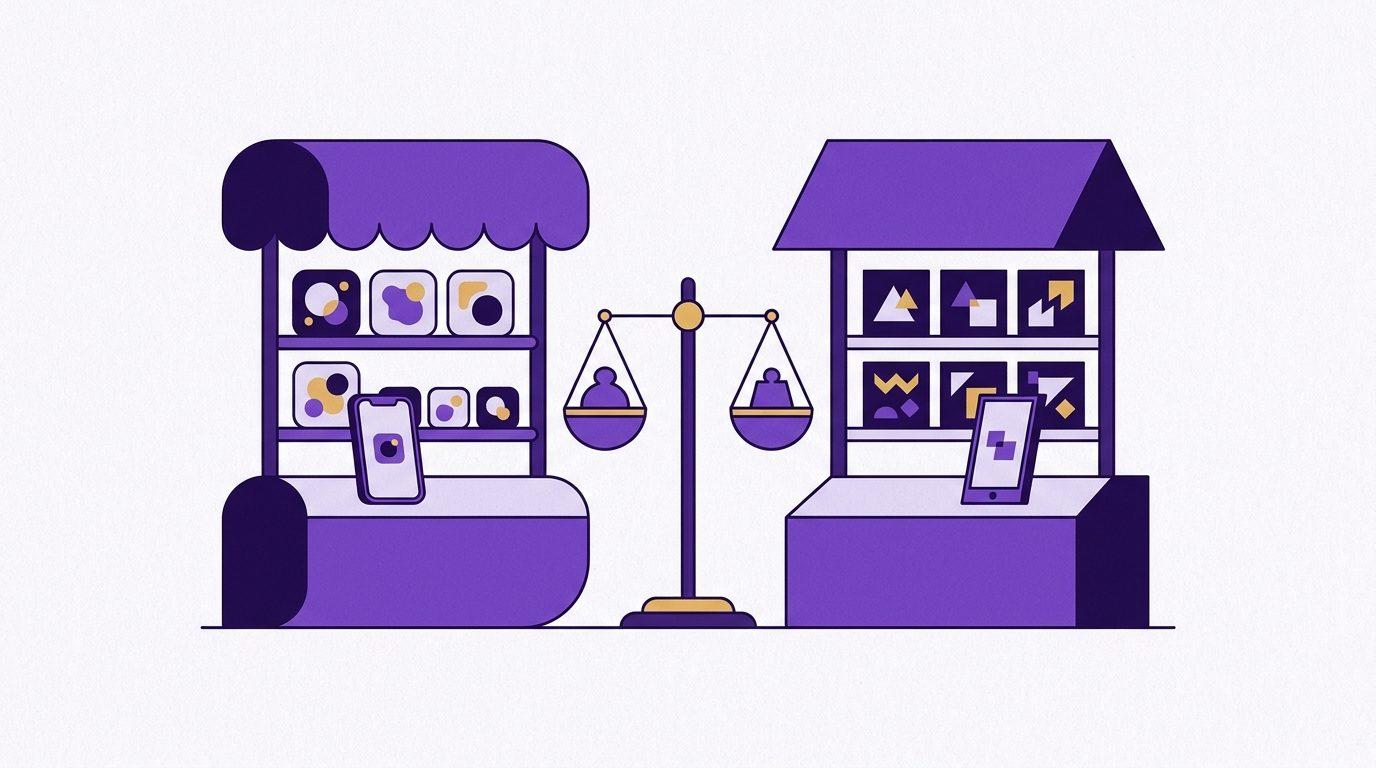
The App Store costs more to join and gives you hidden keyword space and a built-in beta tool. Google Play is cheaper to join and reads your description for search, but new personal accounts must run a closed test before they can publish. Both review every app, both take a commission on digital sales, and both offer reduced rates for small developers.
We have published 22 of our own products, most of them on the iOS App Store, using React Native and Expo. The table below is the short version. Store rules change often. We checked these against Apple and Google documentation in November 2026.
| App Store (iOS) | Google Play (Android) | |
|---|---|---|
| Developer account fee | 99 USD per year | 25 USD, one time |
| Review process | Every app and update goes through App Review | Every app and update is reviewed, with automated pre-review checks |
| Typical review time | At least 50% in under 24 hours, 90% in under 48 hours | A few hours to 7 days, longer in exceptional cases |
| Testing before release | TestFlight: 100 internal, 10,000 external testers | Internal, closed and open testing tracks |
| Rule for new accounts | No required test period | New personal accounts: closed test, 12 testers, 14 days |
| Title and short text | Name 30 characters, subtitle 30 | Title 30 characters, short description 80 |
| How keywords work | Hidden 100-character keyword field | No keyword field. Search reads your listing text |
| Description indexed for search | Not listed by Apple as a search factor | Yes |
| A/B testing tool | Product Page Optimization | Store listing experiments |
| Custom listing pages | Up to 70 custom product pages | Up to 50 custom store listings |
| Gradual release | Phased release over 7 days, fixed steps | Staged rollout, you pick the percentage |
| Commission model | Standard rate, 15% in the Small Business Program | Service fee plus a separate billing fee in some regions |
| Audience tendencies | Fewer devices worldwide, often higher spend per user | More devices worldwide, strong in price-sensitive markets |
How Much Do Developer Accounts Cost?
Apple charges 99 USD per membership year for the Apple Developer Program, or the local equivalent.
Google charges a one-time registration fee of 25 USD for a Play Console account. There is no annual renewal. Google does close accounts that stay inactive, so do not register years before you ship.
Both stores verify who you are. Expect to provide identity documents, and for a company account, proof that the organization exists. Start early, because you cannot submit anything until verification clears.
How Do App Review and Guidelines Differ?
Apple reviews every new app and every update against the App Review Guidelines. Apple says it typically reviews at least 50 percent of submissions in under 24 hours and 90 percent in under 48 hours. You can request an expedited review for a critical bug fix, and you can appeal a rejection.
Google also reviews apps and updates against its Developer Program Policy. Google's help pages say processing can take a few hours or up to seven days, and longer in exceptional cases. Google advises leaving at least a week of buffer before a planned launch.
The first submission is usually the slow one on either store. Rejections usually come from missing details: a broken demo login, an unclear permission string or a missing privacy policy link.
TestFlight vs Google Play Testing Tracks: How Does Testing Differ?
On iOS, testing runs through TestFlight. You can add up to 100 internal testers from your App Store Connect team and invite up to 10,000 external testers by email or public link. The first build you send to external testers needs a review. Later builds may not need a full one. Each build stays available for 90 days.
Google Play has three tracks. Internal testing takes up to 100 testers and makes a build available within minutes. Closed testing goes to a wider group that you invite. Open testing lets anyone join from your store listing.
The big difference is a rule for new Android developers. If you created a personal Play account after November 13, 2023, you must run a closed test with at least 12 testers who stay opted in for 14 days in a row before you can apply for production access. Google lowered the number from 20 to 12 in December 2024.
This rule changes your schedule. A solo developer with a new personal account cannot publish to Google Play in a weekend. Line up 12 real testers before you finish the build.
How Do Store Listings Differ, and What Does It Mean for ASO?
On iOS you get an app name of 30 characters, a subtitle of 30 and a hidden keyword field of 100. Apple names the title, subtitle, keywords and primary category as its text factors for search. The description holds up to 4,000 characters, but Apple does not list it as a search factor.
On Google Play you get a title of 30 characters, a short description of 80 and a full description of 4,000. There is no keyword field. Google says Play search considers factors such as app titles, developer names and app descriptions. So on Android the description does real search work. Use your main terms in natural sentences, early in the text, and do not stuff keyword lists.
Both stores let you test and tailor the page. Apple has Product Page Optimization for icons, screenshots and previews, plus up to 70 custom product pages. Google has store listing experiments, plus up to 50 custom store listings.
The practical result: keep one keyword list, then write two listings. Our iOS ASO guide covers the Apple side in detail.
How Do Monetization and Commission Compare?
Both stores take a commission when you sell digital goods or subscriptions through their billing systems. Free apps with no in-app sales pay nothing beyond the account fee.
On the App Store, the App Store Small Business Program gives a reduced rate of 15 percent on paid apps and in-app purchases. It is open to new developers and to those who earned up to 1 million USD in proceeds in the prior calendar year. You have to enroll. For subscriptions outside the program, Apple pays you 70 percent of the price in a subscriber's first year and 85 percent after one year of paid service.
Google Play's long-standing model charges 15 percent on the first 1 million USD you earn each year, 30 percent above that, and 15 percent on subscriptions. In 2026 Google began rolling out a new fee structure in some regions, starting with the United States, the European Economic Area and the United Kingdom. It separates a service fee from a billing fee, so what you pay depends on where you sell and which billing system the purchase uses.
Fee rules differ by region and payment path, and they keep changing. Read Apple's and Google's current fee pages before you build a pricing model.
How Do Releases and Updates Work on Each Store?
Apple offers phased release for updates. It runs over seven days on a fixed schedule: 1, 2, 5, 10, 20, 50 and then 100 percent of users with automatic updates on. You can pause it for up to 30 days in total.
Google Play offers staged rollouts. You choose the percentage, raise it when you are ready, and halt the rollout if something breaks. Staged rollouts apply to updates, not to the first release of an app.
Both stores let you hold an approved version and publish it yourself. Apple calls it manual release. Google calls it managed publishing.
How Does User Behaviour Differ Between iOS and Android?
We will not quote market-share or revenue numbers here, because they change every quarter and vary a lot by country. Android runs on more devices worldwide, across a wide range of prices. iOS has fewer devices but is strong in markets such as the United States, and iOS users are often reported to spend more per person on apps and subscriptions.
What this means depends on your product. A paid subscription app aimed at North America or Western Europe often does better on iOS first. An ad-supported app, or one aimed at regions where Android dominates, needs Google Play.
Device range matters for engineering too. On iOS you test a short list of screen sizes and recent OS versions. On Android you face many more screen sizes, manufacturers and performance levels. Budget more testing time for Android.
Which Store Should You Launch on First?
If you can launch on both, do it. If you have to pick one, pick the store where your first users are. Use this simple guide.
- Your target users are mostly in markets where iPhones are common, such as the United States: start with iOS
- Your target users are mostly in markets where Android dominates: start with Android
- You earn from subscriptions or paid upgrades: lean toward iOS
- You earn from ads and need volume: lean toward Android
- You have a new personal Play account and a tight deadline: ship iOS first while the 14-day closed test runs
- You already have a waitlist: count the devices on it and follow the majority
How Do You Publish on Both Stores With React Native and Expo?
One React Native codebase can ship to both stores. We build every mobile product this way. The code is shared, but the store work is not. You still need two developer accounts, two listings, two sets of screenshots and two review processes.
With Expo, EAS Build creates the iOS and Android binaries in the cloud and manages signing credentials. EAS Submit uploads them to App Store Connect and Play Console. Set the iOS bundle identifier and the Android package name in your app config before the first build, because you cannot change them after the app is published.
- Register both developer accounts and finish identity verification first
- Start the Play closed test with 12 testers as soon as you have a usable build
- Write two listings from one keyword list, one for each store's rules
- Submit for review at least a week before your launch date
- Release updates gradually with phased release on iOS and staged rollout on Play
Frequently Asked Questions
Is it easier to publish an app on Google Play or the App Store?
Google Play is cheaper to join, but new personal accounts must run a closed test with 12 testers for 14 days before they can publish. The App Store has no such waiting period but costs 99 USD per year. Both review your app against detailed policies.
How much does it cost to publish an app on each store?
The Apple Developer Program costs 99 USD per membership year. A Google Play Console account costs a one-time 25 USD registration fee. Both stores also take a commission on digital sales made through their billing systems.
How long does app review take on the App Store and Google Play?
Apple says it typically reviews at least 50 percent of submissions in under 24 hours and 90 percent in under 48 hours. Google says review can take a few hours or up to seven days, and longer in exceptional cases. Leave a week of buffer on both.
Can you use the same store listing on both stores?
No. The App Store uses a name, a subtitle and a hidden keyword field, while Google Play has no keyword field and reads your title and descriptions for search. Keep one keyword list and write a separate listing for each store.
Do you need a Mac to publish an iOS app?
Not always. With Expo, EAS Build compiles iOS apps in the cloud and EAS Submit uploads them, so you can ship from Windows or Linux. You still need a paid Apple Developer account, and an iPhone for real-device testing.
Keep reading
All guides →
How to Create a Mobile App: 9 Steps from Idea to Launch
How to create a mobile app in 9 steps: define the problem, pick features, design, choose a stack, build, test on real devices and submit to the stores.
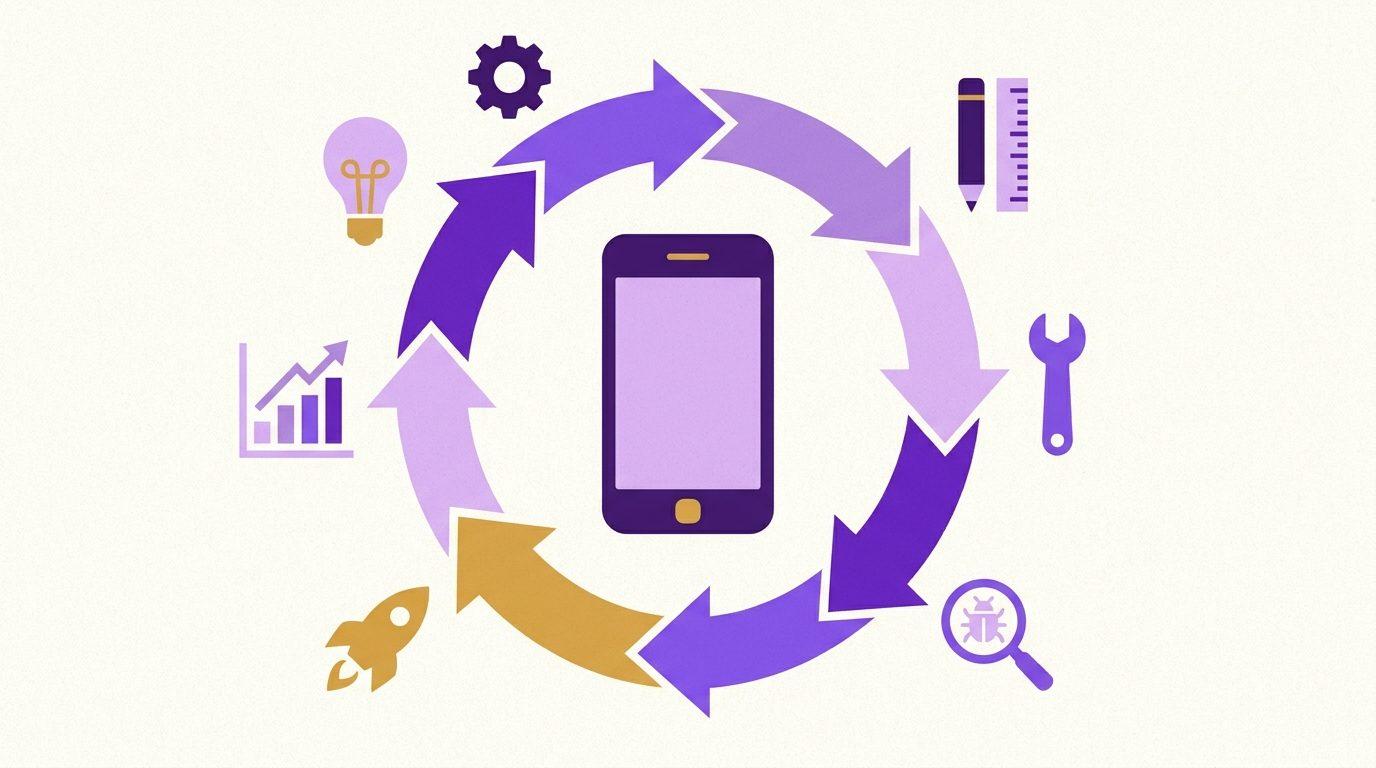
Mobile App Lifecycle: 7 Stages from Idea to Retirement
The mobile app lifecycle in 7 stages: validation, design, development, testing, launch, growth and retirement. What to do and what to avoid in each.
iOS ASO: How to Optimize Your App Store Listing
A practical iOS ASO guide: what App Store search indexes, how to use the name, subtitle and keyword field, and how to turn page views into downloads.