Mobile App Lifecycle: 7 Stages from Idea to Retirement
The mobile app lifecycle in 7 stages: validation, design, development, testing, launch, growth and retirement. What to do and what to avoid in each.
What Is the Mobile App Lifecycle?
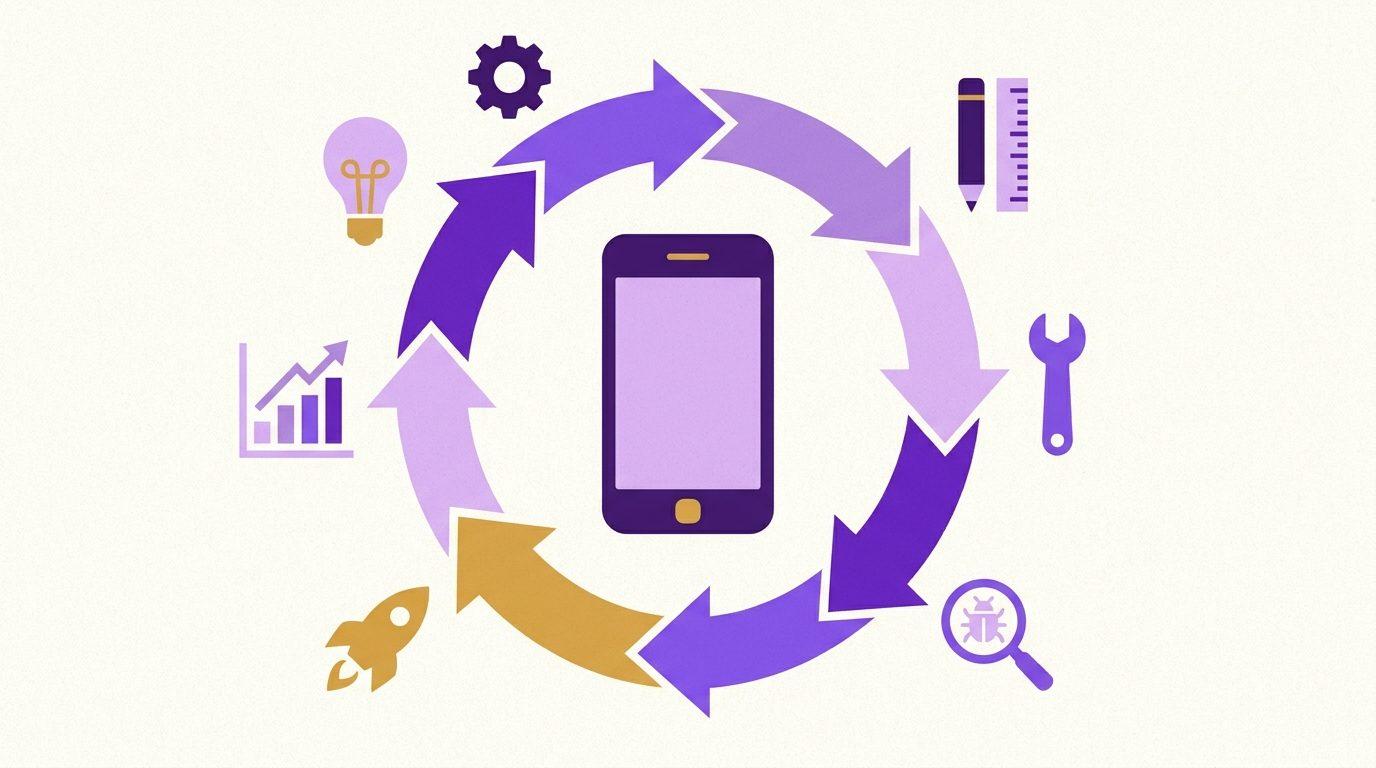
The mobile app lifecycle is the full path an app takes from a first idea to the day you switch it off. It has seven stages: idea and validation, planning and design, development, testing, launch, growth, and maintenance and retirement. Most guides stop at launch, but an app spends most of its life after that point.
We have built and shipped 22 of our own mobile and web apps at Codmaker, so this is the lifecycle as we live it, written for founders and product people who need to plan the whole thing and not only the build.
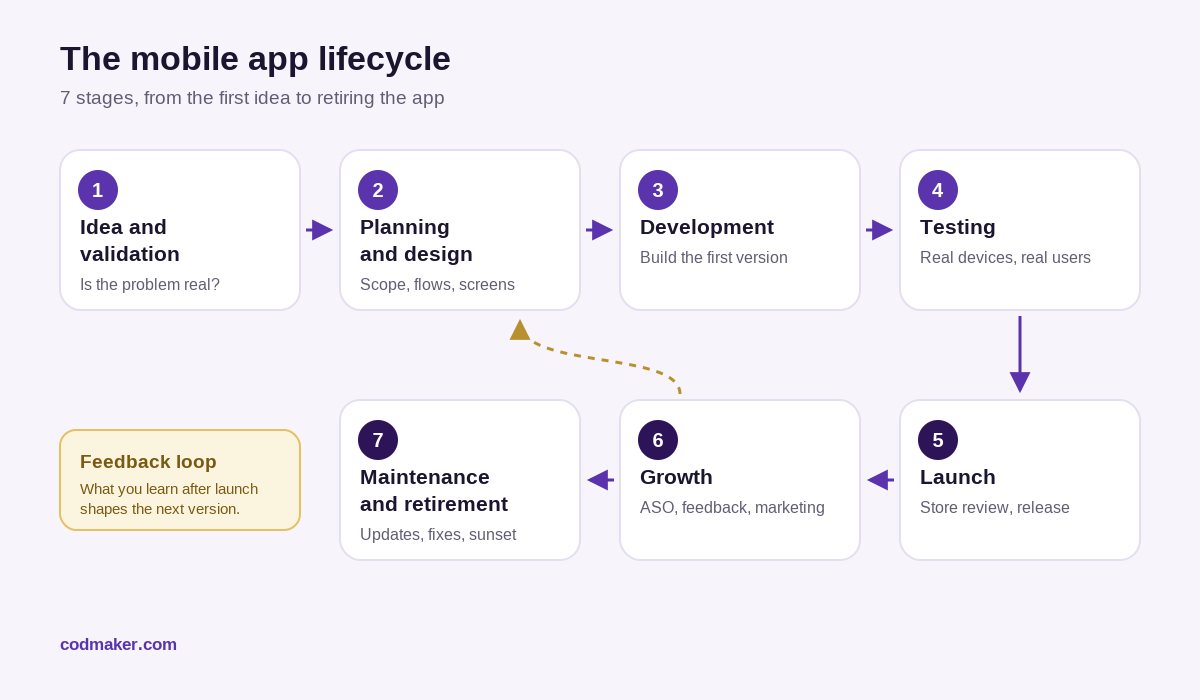
- Stage 1: Idea and validation. Check that a real audience has the problem.
- Stage 2: Planning and design. Decide the scope and draw the screens.
- Stage 3: Development. Build the first version.
- Stage 4: Testing. Find what breaks on real devices with real people.
- Stage 5: Launch. Publish to the App Store and Google Play.
- Stage 6: Growth. Get found, keep users and earn revenue.
- Stage 7: Maintenance and retirement. Keep the app healthy, then end it well.
The 7 Stages at a Glance
Each stage has one goal and one thing you should be holding when it ends. If you cannot name that output, you have not finished the stage. The table also lists the mistake we see most often at each point, several of which we made ourselves.
The stages are not a strict line. Growth sends you back to design. Maintenance sends you back to testing. Think of the first five stages as the first lap and the last two as every lap after it.
| Stage | Goal | Main output | Typical mistake |
|---|---|---|---|
| 1. Idea and validation | Prove the problem is real | A named audience and a way to reach it | Building for yourself only |
| 2. Planning and design | Fix the scope of version one | Feature list and screen designs | Planning version three first |
| 3. Development | Ship a working first version | An installable build | Switching tools mid-build |
| 4. Testing | Find failures before users do | A stable release candidate | Testing only on a simulator |
| 5. Launch | Get approved and discoverable | Live store listings | Rushing screenshots and keywords |
| 6. Growth | Find and keep the right users | Rising retention and revenue | Buying installs for a leaky app |
| 7. Maintenance and retirement | Keep it working, or end it cleanly | Regular updates or a shutdown plan | Letting the app rot in silence |
Stage 1: Idea and validation
Every app starts as a guess that someone has a problem and will use an app to solve it. Validation is the work of testing that guess before you spend months on it.
The question we now ask before starting any product comes straight from our own failures: is there an underserved audience here, and can we reach them through a channel we already understand? Our weakest products were the ones that were interesting to build but entered crowded categories with nothing to set them apart. The products worked. Nobody was looking for them.
Validation does not need a big budget. Search the App Store and Google Play for the problem. Read the one-star reviews of the top results, because they list what people still want. Talk to a handful of people in the target group. If nobody describes the problem in their own words, treat that as an answer.
Stage 2: Planning and design
Planning turns a validated idea into a scope you can finish. Write down the one job the app does, then list the smallest set of features that completes that job. Everything else goes on a later list.
Design comes next: the user flow first, then wireframes, then the visual layer. Decide here which platforms you support, how the app will make money, and what data you collect. Those three choices shape the build, the store listings and the privacy forms you fill in later, so changing them late is expensive.
Keep the design work proportional. We built a custom design system too early and it cost us weeks. Off-the-shelf components are fine for a first version. Extract your own patterns once they repeat.
Stage 3: Development
Development is where the plan becomes a build you can install. For a founder, the decisions that matter most are the stack and the order of work, not the code itself.
Pick a stack your team already ships with and stay on it. We use React Native with Expo for mobile and Next.js for web, on every product. That repetition is why a new product starts from working templates for sign-in, payments and analytics. Every framework experiment we ran cost us weeks.
Build the core flow end to end before you polish any single screen. An ugly app that completes its one job teaches you more than a beautiful sign-up page attached to nothing. Use a managed backend unless you have a clear reason not to. We lost weeks building custom backends for products that never needed the flexibility.
Stage 4: Testing
Testing has two layers. The first is technical: does the app crash, lose data, or break on a small screen, an old phone or a slow network? The second is human: can a new person complete the core flow without you explaining it?
Both stores give you tools for the second layer. Apple's TestFlight lets you share builds with up to 100 internal team members and up to 10,000 external testers, and each build stays available for 90 days. Google Play offers internal, closed and open test tracks.
One Google rule affects your schedule. Personal developer accounts created after November 13, 2023 must run a closed test with at least 12 testers who stay opted in for 14 days in a row before they can apply for production access. Put that into your timeline from the start, and check Google's current policy before you plan around it.
Do not wait for perfect. Our bar for ready is short: the happy path works, the obvious failure shows a useful error, and the core flow has been tested on three real devices.
Stage 5: Launch
Launch means passing store review and going live with listings that help people find you. You need developer accounts first. Apple lists its Developer Program at 99 USD per membership year, and Google lists a one-time 25 USD registration fee for a Play Console account. Prices can vary by region, so confirm them when you enroll.
Review takes time you do not control. Apple says most submissions are reviewed within a day or two, but developers regularly report longer waits, and a rejection restarts the clock. Never promise a launch date that depends on a first-time approval.
The listing matters as much as the build. We lost months of organic traffic to weak screenshots and keywords on early launches, and early store data is hard to undo. Spend real time on the title, subtitle, screenshots and description, and show them to a few people in your audience before you submit.
Stage 6: Growth
Growth starts the day after launch and is the stage most plans leave out. In our experience shipping our own apps, building is the cheap part and distribution is where the bill arrives.
Work on retention before acquisition. If new users leave after one session, more installs only fill a leaky bucket. Watch whether people come back, read every review, and fix what real usage exposes. The first version of PlantDoc had three bugs that real users found within two days. We fixed them in three. No extra month of private polishing would have surfaced them.
Then grow the channels that fit the product: store search, content, referrals, or paid ads once you know what a user is worth. Keep measurement simple at first. The detailed dashboards we built for apps with a few dozen weekly users were a way to avoid harder work.
Stage 7: Maintenance and retirement
A live app is never finished. Apple and Google release new operating system versions every year and raise their technical requirements for apps on a regular schedule. Libraries change. Store policies change. An app left alone will, sooner or later, stop building, break on new phones or get flagged by a store.
Plan a maintenance rhythm: monitor crashes and reviews, update dependencies, test against each new OS release before it reaches the public, and ship small updates. Budget time for this every year the app is live.
Retirement is a real stage, not a failure. Consider it when usage keeps falling after honest attempts to fix it, when upkeep costs more than the app returns, or when the app no longer fits what you want to build. We review active users and revenue per product every quarter and move our time toward the ones that are working.
If you retire an app, do it with care. Tell users in advance, stop new sign-ups and subscriptions, let people export their data, cancel or refund what you owe, remove the app from sale, and shut down the servers last.
Common Mistakes Across the Lifecycle
Most failed apps do not fail in development. They fail at the edges of the lifecycle, before the first line of code or after the launch.
- Skipping validation because the idea feels obvious to you
- Spending the whole budget on the build and leaving nothing for growth
- Treating launch as the finish line instead of the midpoint
- Polishing in private for months instead of learning from real users
- Adding languages, platforms and features before the core app has traction
- Giving every product equal attention instead of backing the ones that work
- Keeping a dead app alive with no updates and no shutdown plan
Frequently Asked Questions
What are the stages of the mobile app lifecycle?
There are seven: idea and validation, planning and design, development, testing, launch, growth, and maintenance and retirement. The first five get the app into the stores. The last two cover everything that happens afterwards, which is most of the app's life.
How long does the mobile app development lifecycle take?
Getting from idea to launch can take a few weeks for a simple app and several months or more for a complex one. It depends on scope, team size and how fast store review goes. Growth and maintenance then continue for as long as the app is live.
What is the difference between the app lifecycle and the app development process?
The development process covers building the app: planning, design, coding and testing. The lifecycle is wider. It starts earlier, with validating the idea, and runs later, through launch, growth, maintenance and retirement.
How much does it cost to maintain an app after launch?
It varies with the app. A simple app with no backend mostly costs developer time for updates plus the store account fees. An app with servers, paid APIs or a support team has ongoing monthly costs. Plan for maintenance as a recurring cost for as long as the app is live.
When should you retire a mobile app?
Retire it when usage keeps declining after real attempts to fix it, when upkeep costs more than the app earns, or when it no longer fits your strategy. Give users notice, stop new purchases, offer a data export and then remove it from the stores.
Keep reading
All guides →
How to Create a Mobile App: 9 Steps from Idea to Launch
How to create a mobile app in 9 steps: define the problem, pick features, design, choose a stack, build, test on real devices and submit to the stores.
iOS ASO: How to Optimize Your App Store Listing
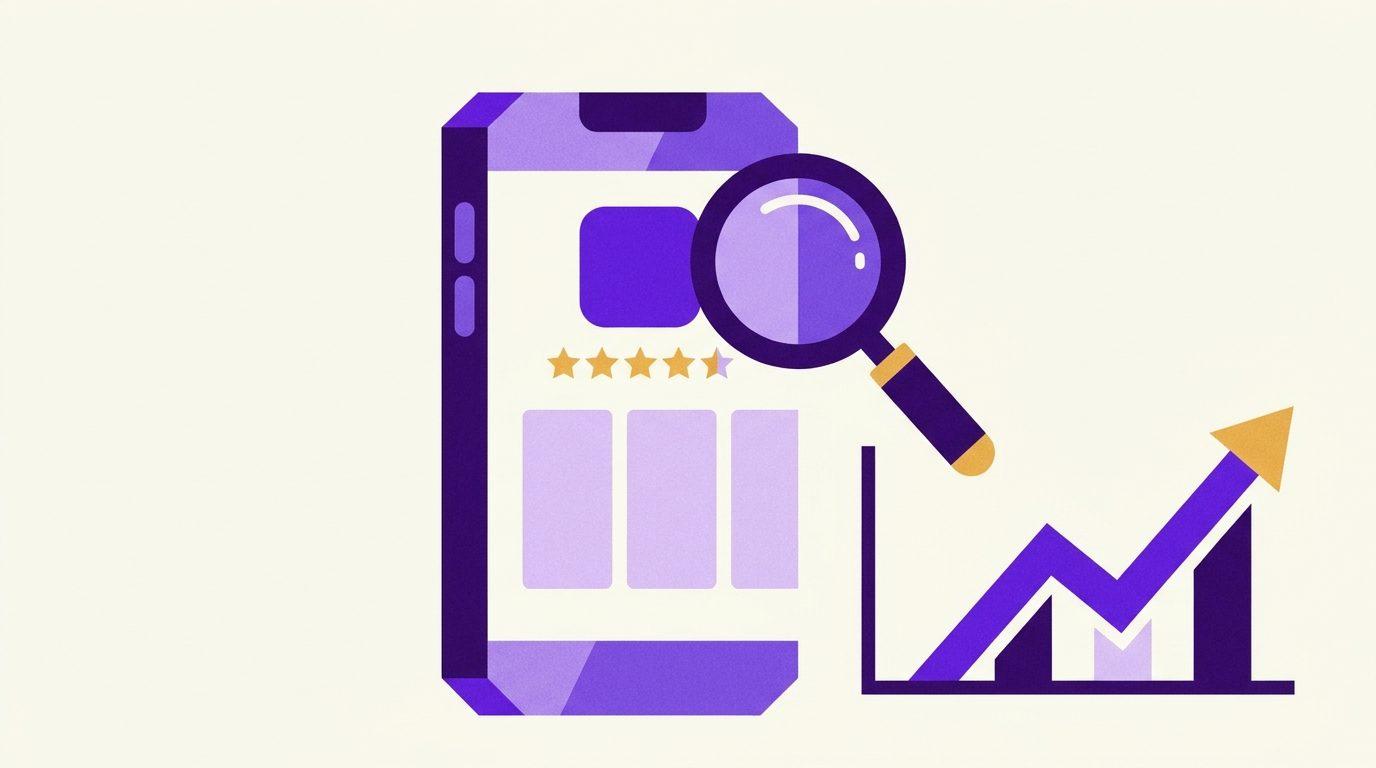
A practical iOS ASO guide: what App Store search indexes, how to use the name, subtitle and keyword field, and how to turn page views into downloads.
App Store vs Google Play: Key Differences for Developers
App Store vs Google Play compared for developers: account fees, review, testing, store listing rules, commission and which store to launch on first.